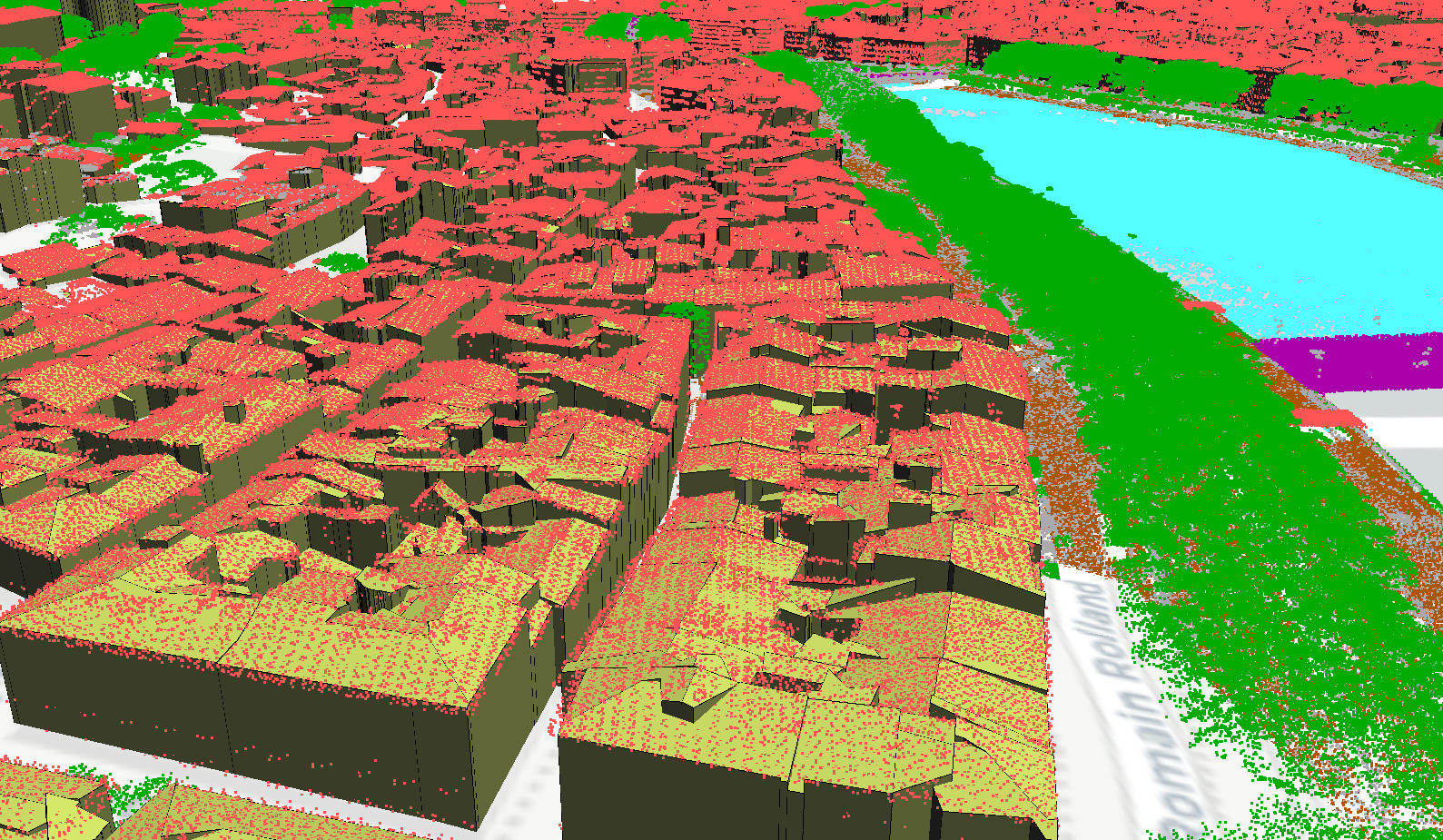
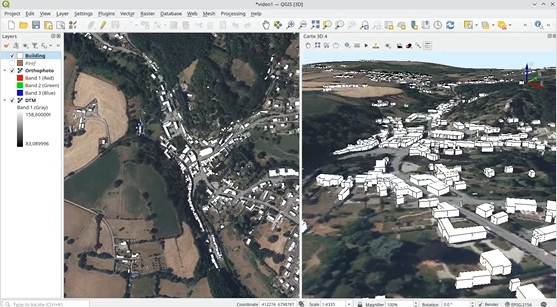
Since this spring, Oslandia has been highlighting a different 3D feature each week—features developed by the team to expand the 3D capabilities of QGIS. Here are the episodes in the series:
Episode 1 :
Resize your scenes to make interactions with the map smoother (an improvement developed with support from the CEA)
Episode 2 :
Defining cross-sections on the 2D canvas using the “Cross-section tool.” The selection is automatically converted into a 3D cross-section.
Episode 3 :
The 3D Axes or 3D Cube view.
Episode 4 :
Transparency Management.
Episode 5 :
STL Export – Exporting to STL format is often used for 3D printing, which requires objects to be completely closed.
Episode 6 :
Tools for measuring areas.
Episode 7 :
Creating cylinders, cubes, tori, spheres… (also known as primitives)
Episode 8 :
The 3D editing capabilities of QSFCGAL, a project that aims to provide a QGIS user interface for the features of SFCGAL (an open-source library for advanced 2D and 3D geometry manipulation and analysis).